🚀 Dentlac Lab guides
Get started: create your lab
From installation to your first case, in minutes.
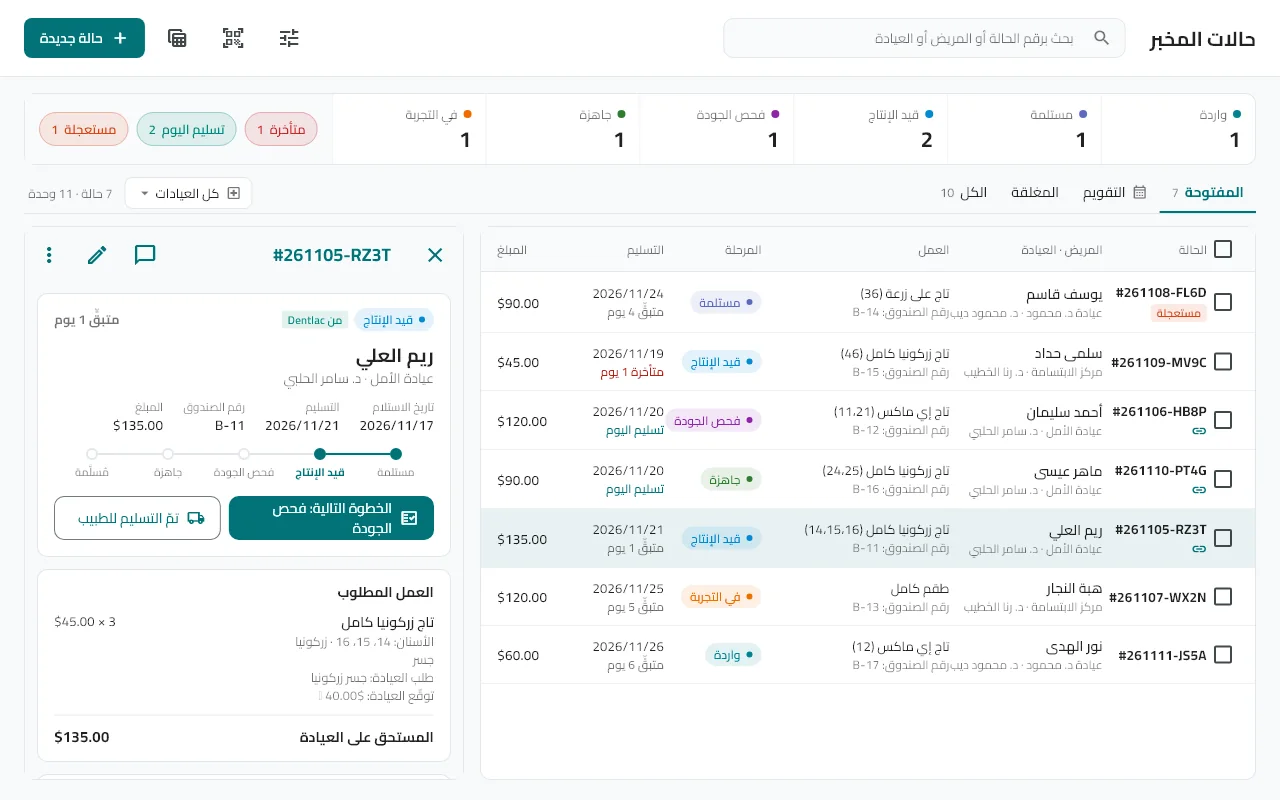
Open the app and accept the agreement
The user agreement appears, then short welcome pages explaining the sections. You can skip them later from Settings.
Choose "Start a new lab"
Enter your name as the admin, your email and a password. The email is how you sign in from any device and how you recover your own password.
Enter the lab details
The lab name (optional, editable later) and the country — the phone code and currency are suggested from it.
Activate the license
You start with a trial version. To activate a full license contact us; it is activated from the activation screen or reaches the device automatically.
Add your products and clinics, then the first case
The next guides cover each step. To add a second device: Settings → Invite code, then enter the code or scan the barcode on the new device.
Tip: The account email matters: without a verified email you cannot recover your lab if you lose your device. Verify it in Settings.
Did not find what you need?